Fast point of sale
A focused checkout, barcode support, flexible payments and printable receipts keep queues moving.
Uzazon POS brings sales, inventory, customers, purchasing and real-time reports into one simple workspace—accessible from any device.
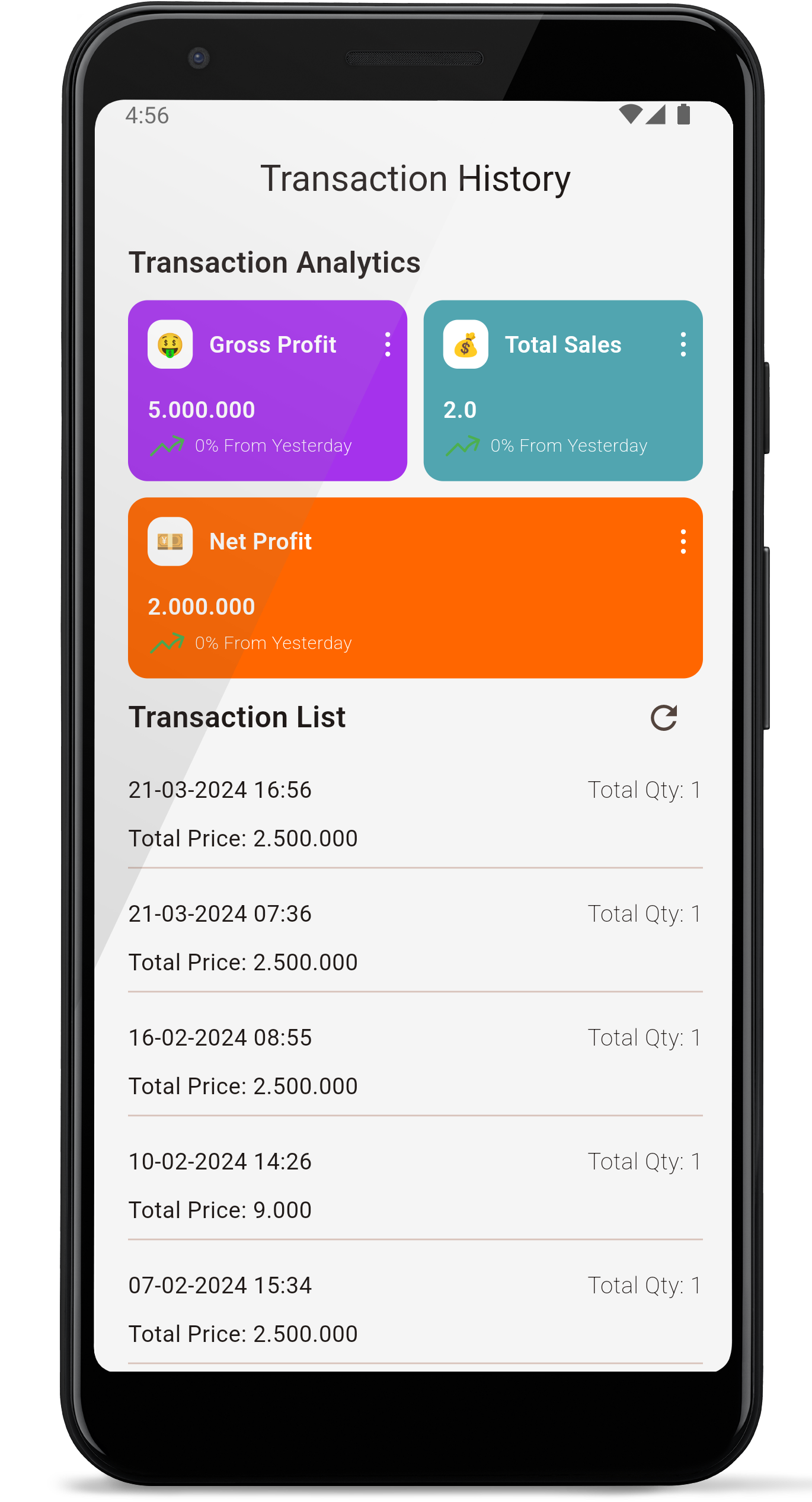
One workspace
Sales → Stock → Reports
Everything connected
Stop stitching together spreadsheets and disconnected apps. Every sale updates the information you need automatically.
A focused checkout, barcode support, flexible payments and printable receipts keep queues moving.
Track stock, low-stock alerts, product variants and stock movements without manual counts.
See revenue, profit and daily performance clearly, then drill into the transactions behind the numbers.
Record suppliers and incoming stock so costs and inventory stay accurate from delivery to sale.
Manage customers, quotations, invoices, payments and delivery notes from the same workspace.
Give cashiers and managers the access they need with role-based permissions and activity visibility.
From signup to first sale
Create the owner account and choose a memorable business address.
Uzazon creates a private database and secure subdomain just for your business.
Invite your team, add inventory and record your first sale from any device.
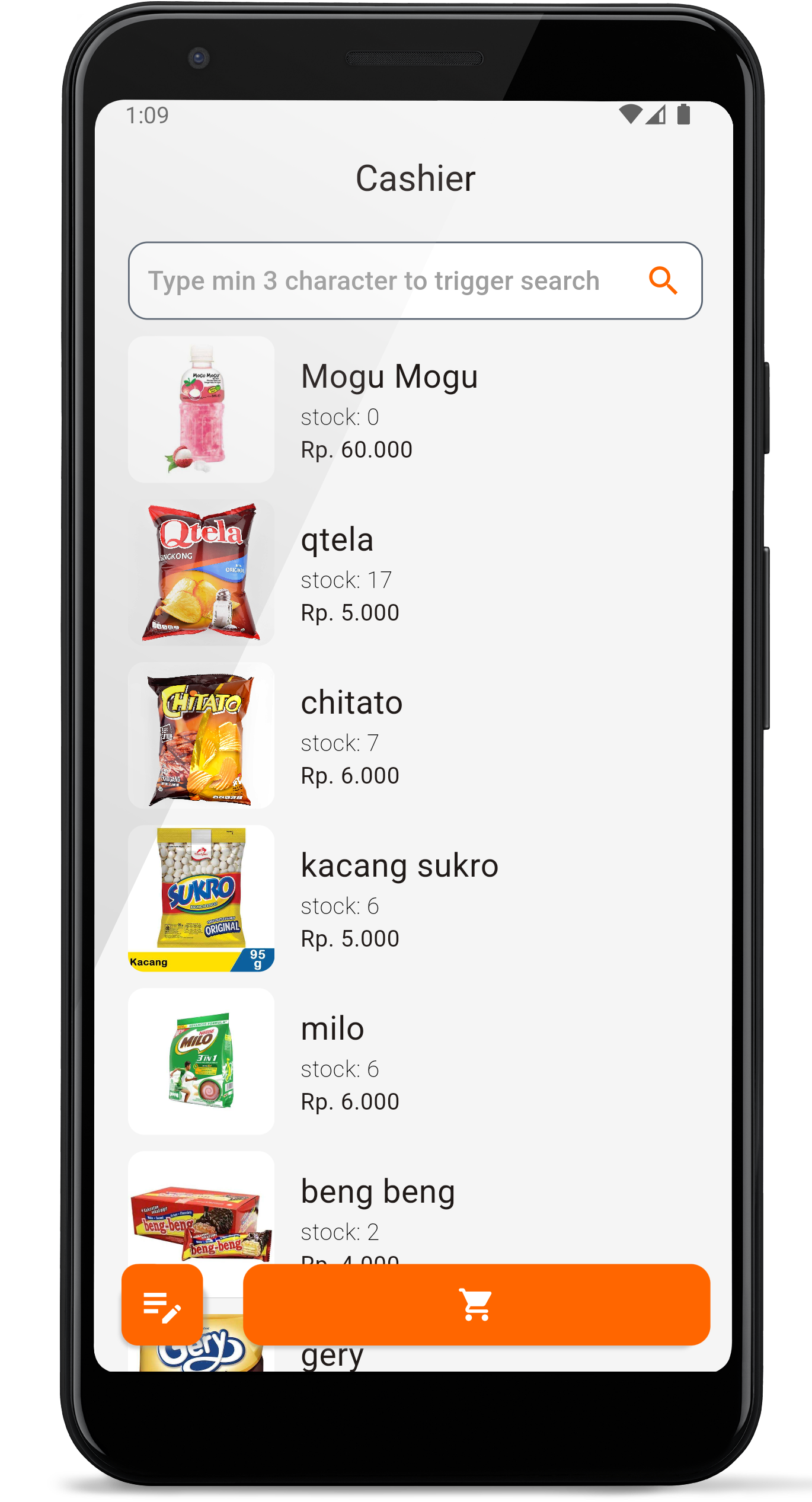
Made for real work
Whether you run one shop or a busy team, Uzazon keeps daily work approachable while giving owners the controls and reporting needed to grow.
We create a dedicated database and a business subdomain such as yourshop.uzazon.com, then prepare your owner account and starter settings.
Yes. Add team members and use roles and permissions to control what cashiers and managers can access.
No. Start with a browser on a phone, tablet or computer. You can add receipt printers and barcode equipment to suit your operation.
Uzazon includes inventory, purchasing, customers, suppliers, quotations, invoices, delivery notes and business reports.
Ready when you are
Create your workspace, add your products and start selling with clearer information.
Create your Uzazon POS